
+ Step 1
Select in Photoshop
Mark one area or many. Each selection keeps its own crop, mask and exact position.

Enhance only what you select in Photoshop, with the world's top AI models. The rest of your image stays exactly as it was.
 Before
Detalia
Before
Detalia
Most AI tools rebuild your whole image. Detalia only touches what you select — and leaves everything else exactly as you made it.
Mark one area or many. Each selection keeps its own crop, mask and exact position.
Pick the AI model that suits the job. Write one prompt for all your images, or one for each.
The result returns as a masked Smart Object on its original spot — one undo step, nothing shifts.
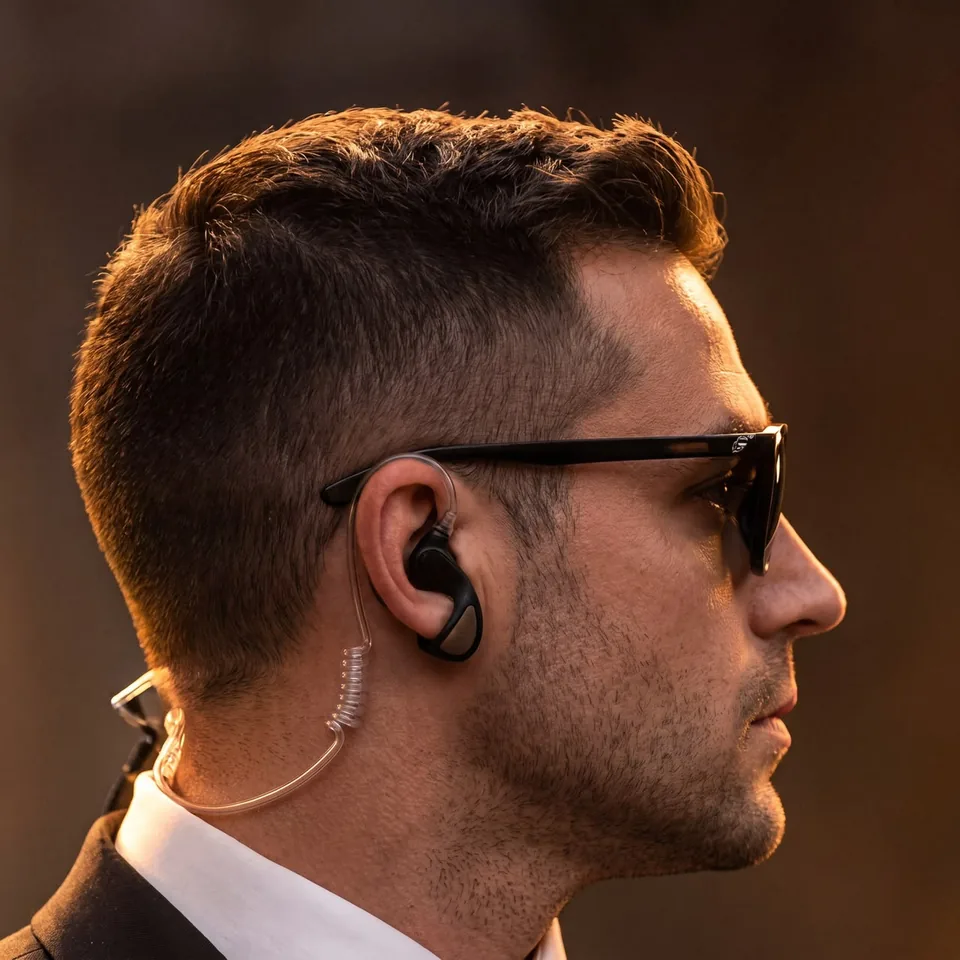
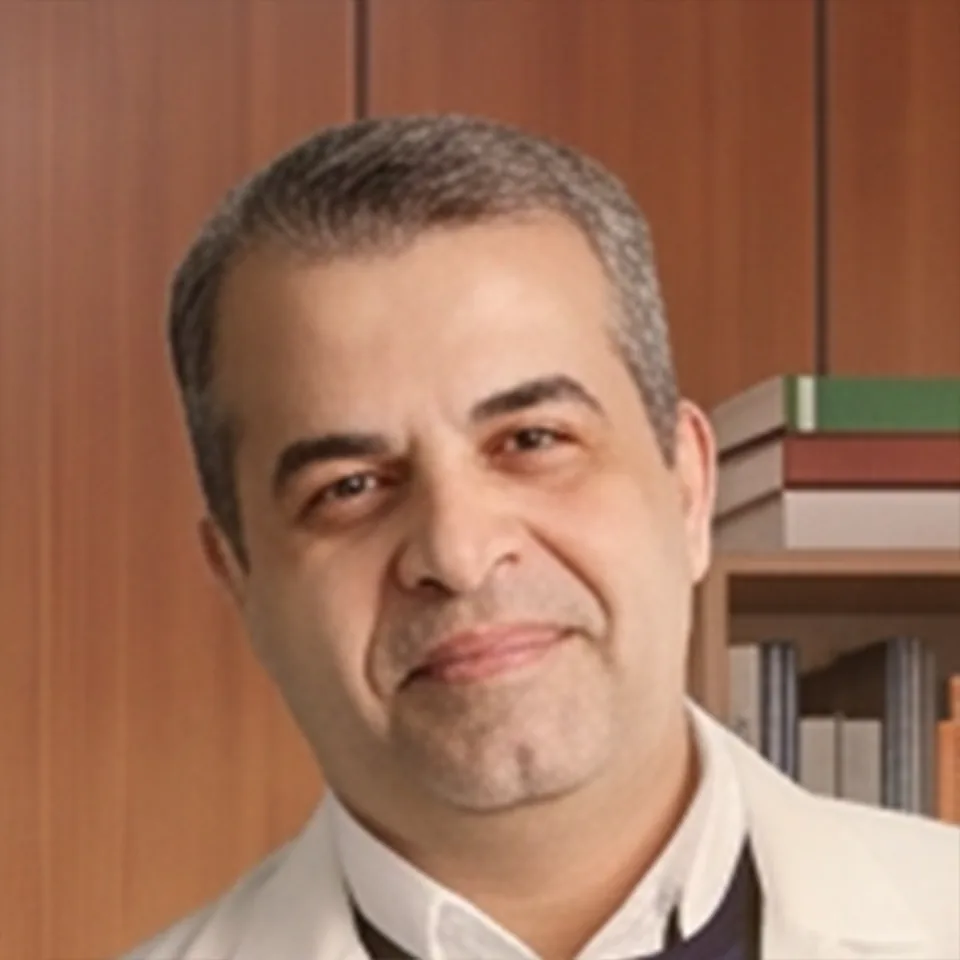
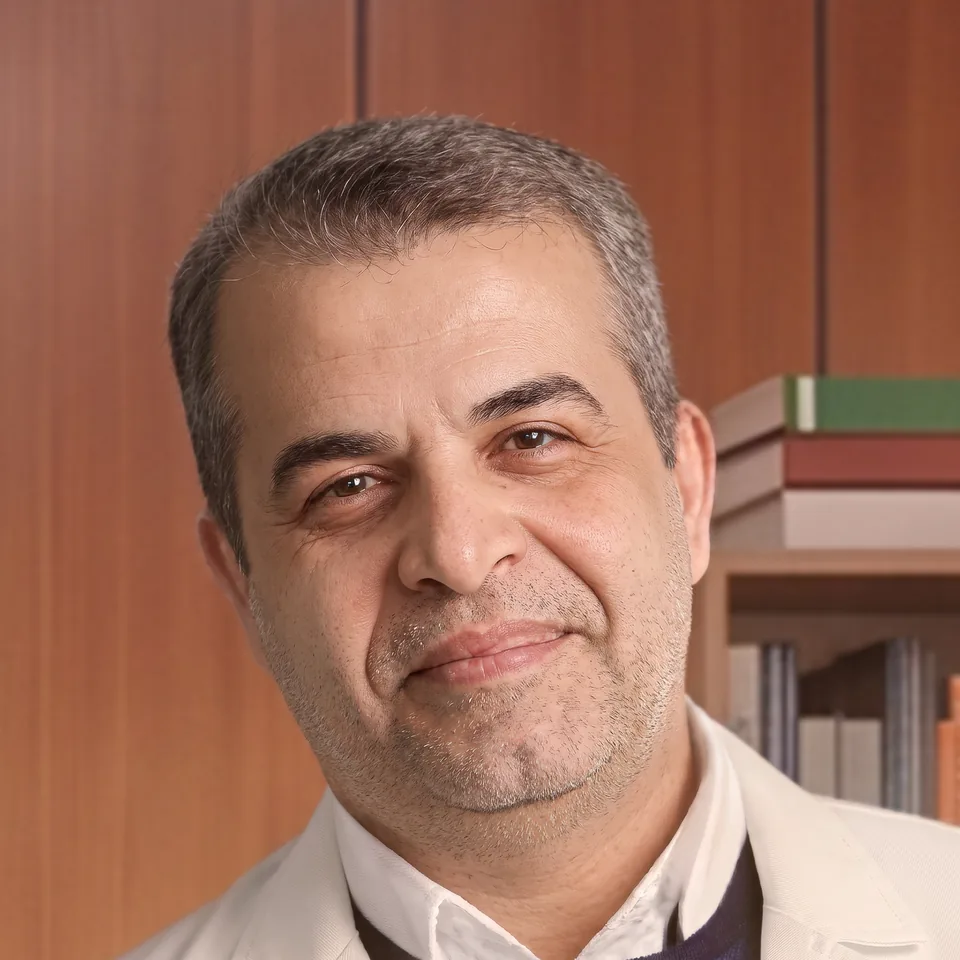
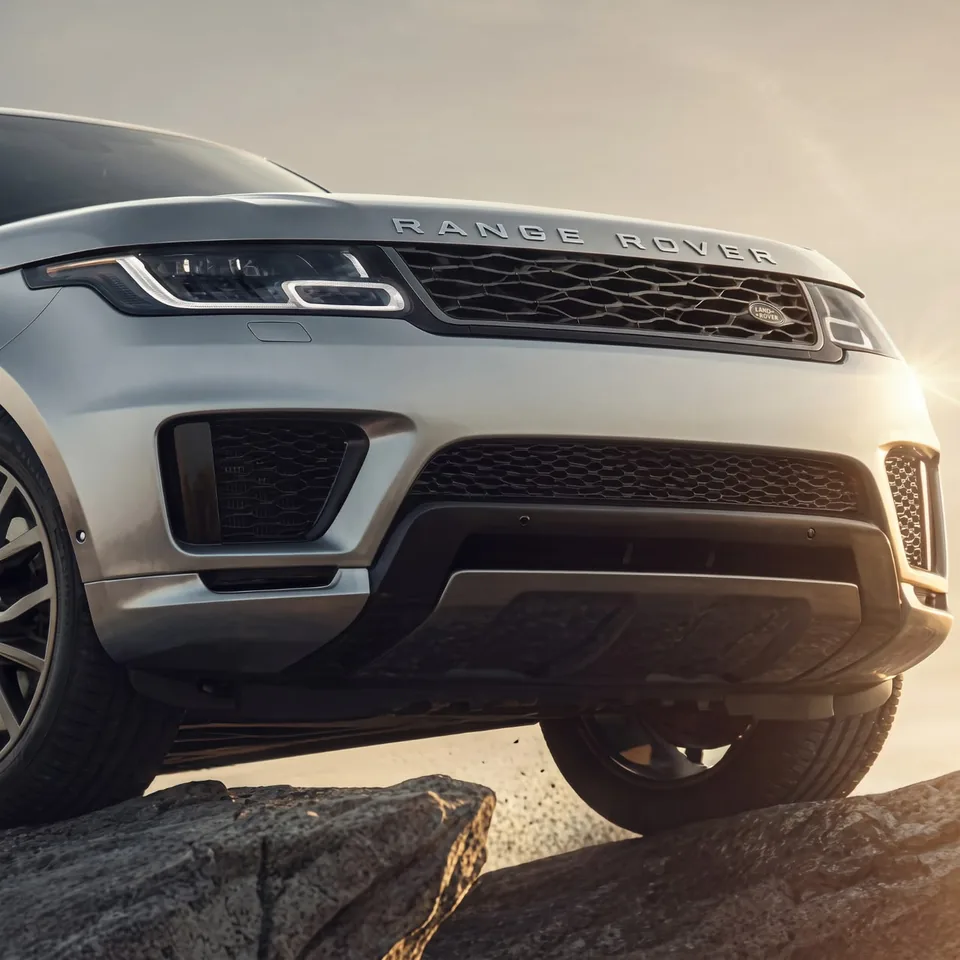
Real photos, enhanced with Detalia. Drag the line on any result to see the difference.
 Before
Detalia
Before
Detalia
Before
Detalia
Before
Detalia
 Before
Detalia
Before
Detalia
 Before
Detalia
Before
Detalia
 Before
Detalia
Before
Detalia
 Before
Detalia
Before
Detalia
Detalia connects Photoshop to the AI platforms you already work in — not only the models Adobe ships inside Photoshop.
A panel captures your selection and returns the result as a masked Smart Object.
Enhance many regions together, up to five at once, each with its own prompt or a shared one.
Sign in to Magnific or Higgsfield, or connect Gemini, OpenAI and OpenRouter keys.
Prompting built to keep faces, poses, light and logos exactly as they were.
Every finished result is kept, and uncertain requests are never resent on their own.
Compare, zoom to the pixel and export PNG or JPG before anything touches your file.
Detalia connects the image models you already use to Photoshop — and keeps adding more.












Magnific, Higgsfield, OpenAI GPT Image, Google Gemini (Nano Banana), OpenRouter and Adobe Photoshop — with FLUX, Seedream, Kling, Ideogram, Grok Imagine, Qwen Image and Topaz models. ComfyUI and Nordy are coming soon.
Try Detalia online with free credits.
For creators who enhance every week.
For studios with daily volume.
The full desktop Studio on your computer.
Buy once. Yours to keep.
Plans and prices are being finalised. Waitlist members get launch pricing first.
It enhances the area you select in Photoshop with the AI model you choose, then places the result back in exactly the same position as a masked Smart Object.
Detalia is built to keep identity, pose, light and logos as they are, and only restore details. AI can still drift, so every result is shown for review before you place it.
Image models from Magnific and Higgsfield through your signed-in account, and from Google Gemini, OpenAI and OpenRouter with your API keys.
The panel works with Photoshop 25 or later. You can also upload images directly in Detalia Studio and download the results.
You can start free: a trial of the Local edition, or free credits Online. Full prices are announced at launch — see Pricing.
In the Local edition your images are sent only to the AI provider you choose, and your work is saved on your computer.
Join the waitlist for early access to Detalia.